Data Deletion
Data Deletion Instructions
Meta Compliance
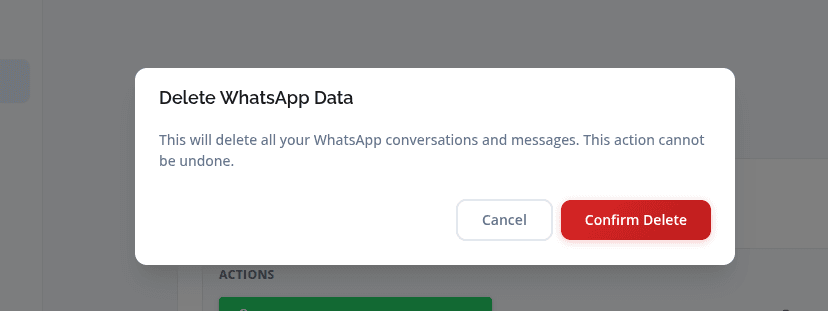
We are committed to transparency and user data control. You can request deletion of your WhatsApp-related data at any time using the steps below.
How to delete your data
1. Log in to your account.
2. Go to Settings -> Integrations.
3. Find the WhatsApp section.
4. Click Delete WhatsApp Data.
What data is deleted
WhatsApp conversations, messages, contact data, and campaign-related messaging data stored in our system are deleted after verification.
Deletion requests are processed within 7 days.
Screenshots
Settings / Integrations page
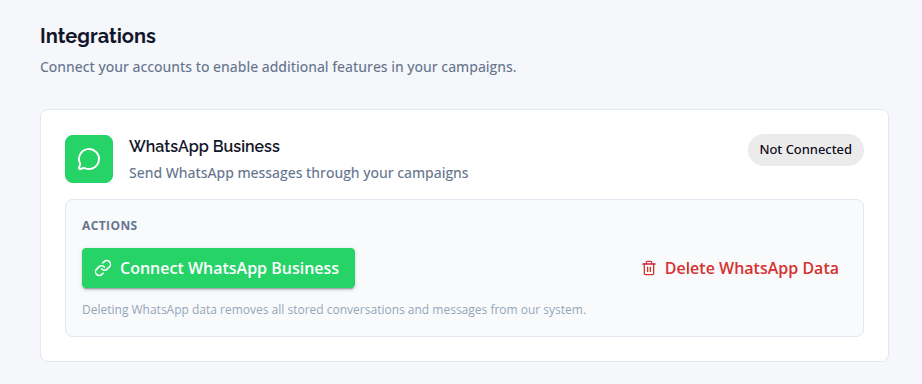
Delete integrations page